
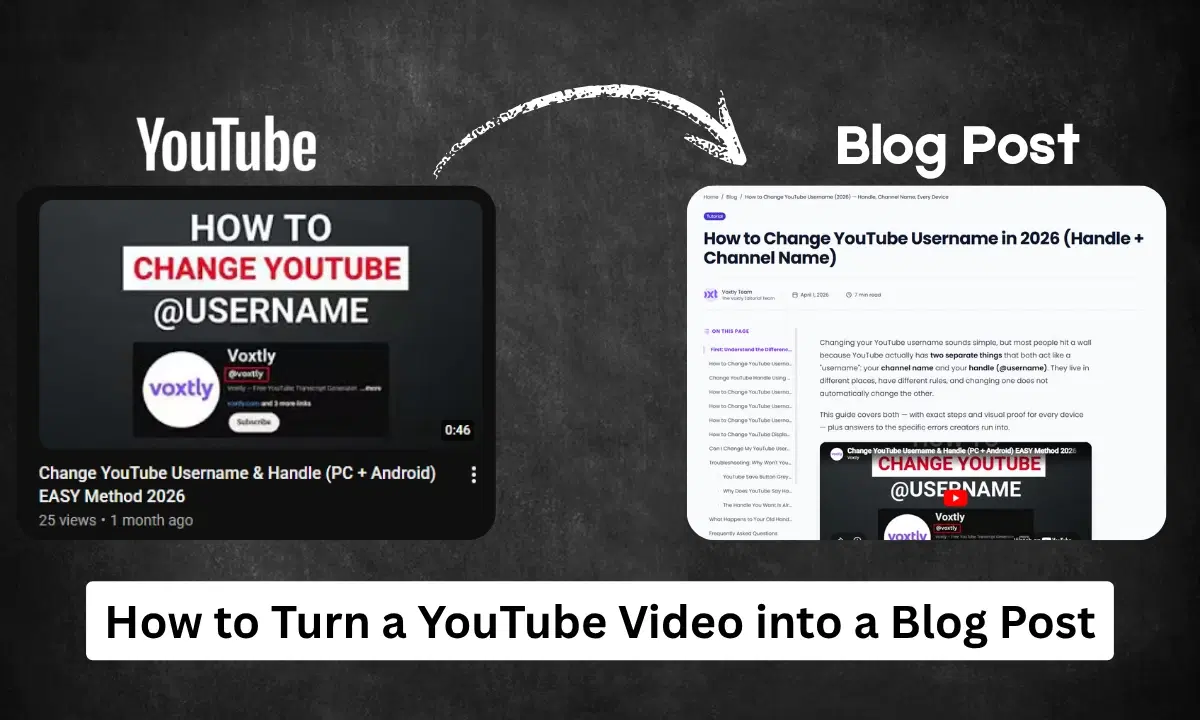
The fastest way: Extract the transcript with Voxtly, paste it into ChatGPT with the prompt "turn this into a blog post", and you have a full draft in under 2 minutes free, no signup required.
Every YouTube video you've already made is a blog post waiting to happen. The ideas, the structure, the research it's all there in the audio. You just need to get it out of video format and into text.
This guide walks you through the exact process, step by step. No expensive tools. No technical skills required.
Why Repurpose YouTube Videos into Blog Posts?
Before the how-to, here's why this is worth doing:
Google can't watch videos. Search engines index text. A great video with no written companion gets zero Google traffic. The same content as a blog post can rank for dozens of keywords and bring in readers for years.
Different audiences. Some people prefer reading. Some are at work and can't play audio. A blog post reaches people your video never will.
One piece of content, two channels. You did the hard work once researching, scripting, filming. Turning it into a post takes 15 minutes and doubles the return on that effort.
Blog posts compound. A video's views spike at launch then fade. A blog post quietly climbs in Google rankings over months and keeps sending traffic long after you've forgotten you wrote it.
What You Need
- A YouTube video (yours or any public video with captions)
- Voxtly free transcript extractor
- ChatGPT, Claude, or Gemini free AI writing assistant
- 15–20 minutes
Step-by-Step: YouTube Video → Blog Post
Step 1: Extract the transcript
Go to Voxtly, paste your YouTube video URL, and click Get Transcript.
The full transcript appears in seconds with timestamps. Before copying, toggle off the timestamps cleaner text gives better AI output.
Click Copy to copy the full transcript to your clipboard.
Tip: If your video is longer than 30 minutes, you may want to split the transcript into sections. Most AI tools handle up to about 15,000 words comfortably.
Step 2: Open your AI tool and use this prompt
Open ChatGPT (or Claude, Gemini they all work). Paste the transcript and add this prompt above it:
"Here is the transcript of a YouTube video I recorded. Please turn it into a well-structured blog post. Use the same ideas and information, but rewrite the language for a reading audience remove filler words, repetition, and spoken-word phrasing. Add a clear introduction, use subheadings (H2 and H3), and write a conclusion with a call to action. Aim for 1,200–1,500 words. Here is the transcript: [paste here]"
Hit send. Within 30 seconds you'll have a complete draft.
Step 3: Review and improve the draft
The AI draft will be 80–90% there. Before publishing, do a quick pass:
Add your personality back in. AI tends to flatten your voice. Read through and reinsert any phrases, jokes, or opinions that make your content sound like you.
Check the facts. If you cited statistics or named people in your video, make sure those are accurate in the written version.
Add a featured image. A blog post without an image looks incomplete. A screenshot of your video thumbnail works perfectly.
Add internal links. Link to related posts on your blog it helps both readers and Google understand your site's structure.
Update the title. The AI will suggest a title, but run it through a title analyzer or tweak it to include the keyword you want to rank for.
Step 4: SEO basics before publishing
You don't need to be an SEO expert. Just do these three things:
- URL slug: Make it short and keyword-rich, e.g.
/blog/how-to-do-x - Meta description: Write 1–2 sentences summarizing the post. Include your main keyword.
- Headers: Make sure your H1 (title) and at least one H2 contain your target keyword phrase naturally.
That's enough to give the post a real chance at ranking.
Prompts That Get Better Blog Posts from AI
The basic prompt above works well, but these variations give you more control:
For a longer, more detailed post:
"Expand each section with more detail and examples. Aim for 2,000+ words."
For a specific audience:
"Rewrite this for beginner content creators who are just starting their first YouTube channel."
For a different tone:
"Write this in a direct, no-fluff style like a mentor giving advice to a friend."
To add a personal story section:
"Add a short personal anecdote section near the beginning based on the speaker's experience mentioned in the transcript."
To generate FAQs:
"Based on this transcript, write a 5-question FAQ section that answers common questions a reader might have about this topic."
How to Handle Specific Video Types
Tutorial videos convert especially well. The step-by-step structure translates directly into a numbered blog post. Ask the AI to keep the numbered steps and expand each one with a bit more context.
Talking-head / opinion videos need more work. The spoken language tends to be more casual and circular. Ask the AI to "tighten the argument and remove repetition" it will cut the transcript down to its core ideas.
Interview videos become excellent long-form posts. Ask the AI to format it as a Q&A first, then you can decide whether to keep that format or convert it to prose.
Listicle videos ("5 ways to...") are the easiest. The structure is already there. The AI just needs to expand each point and clean up the language.
One Video = Multiple Content Pieces
Once you have the transcript, a single YouTube video can become:
- A full blog post (this guide)
- A Twitter/X thread: ask ChatGPT: "Turn this into a 10-tweet thread"
- A LinkedIn post: ask: "Write a 300-word LinkedIn post from the key insight in this transcript"
- An email newsletter: ask: "Write a conversational email newsletter based on this content"
- Instagram captions: ask: "Extract 5 short, punchy quotes from this transcript for Instagram"
That's five pieces of content from one video. One transcript, extracted in 10 seconds with Voxtly.
Frequently Asked Questions
Can I do this with someone else's video? You can use any public YouTube video's transcript as research material or inspiration. However, you should not publish it as your own writing without substantial rewriting and adding your own perspective. Always add original value.
What if my video doesn't have captions? Most YouTube videos have auto-generated captions. If yours doesn't, go to YouTube Studio → Subtitles → generate auto captions first, then extract with Voxtly.
Will the blog post be duplicate content if it's based on my own video? No. The AI rewrites the content into new sentences and structure. It won't be flagged as duplicate content by Google. The ideas may be the same, but the text is unique.
How long should the blog post be? For most topics, 1,200–2,000 words is the sweet spot. Short posts (under 800 words) rarely rank well. Very long posts (5,000+ words) are great if the topic warrants it, but don't pad for the sake of length.
Should I publish the transcript itself as a blog post? Don't just paste a raw transcript and publish it. It reads badly, lacks structure, and Google won't rank it. Always run it through AI to rewrite it as proper prose first.
Try It on Your Next Video
Take your most recent YouTube video, extract the transcript with Voxtly, and have a full blog post draft in your hands within 10 minutes.
👉 Get your transcript now Voxtly is free →
Related guides: