Extract, translate, and download transcripts from any YouTube video in seconds. Supports 125+ languages, AI summaries, and multiple export formats. 100% free.
Try it with: Rick Astley - Never Gonna Give You Up
Results in under 5 seconds
125+ Languages
TXT, SRT, VTT, PDF
AI Summaries
No signup needed
Everything You Need to Work with YouTube Transcripts
Lightning-Fast Transcript Generation
Our tool extracts YouTube transcripts in under 5 seconds — faster than any other YouTube transcript generator available. No queues, no delays. Paste the URL, click generate, and your full transcript is ready instantly.
Built-In AI Summaries Powered by ChatGPT
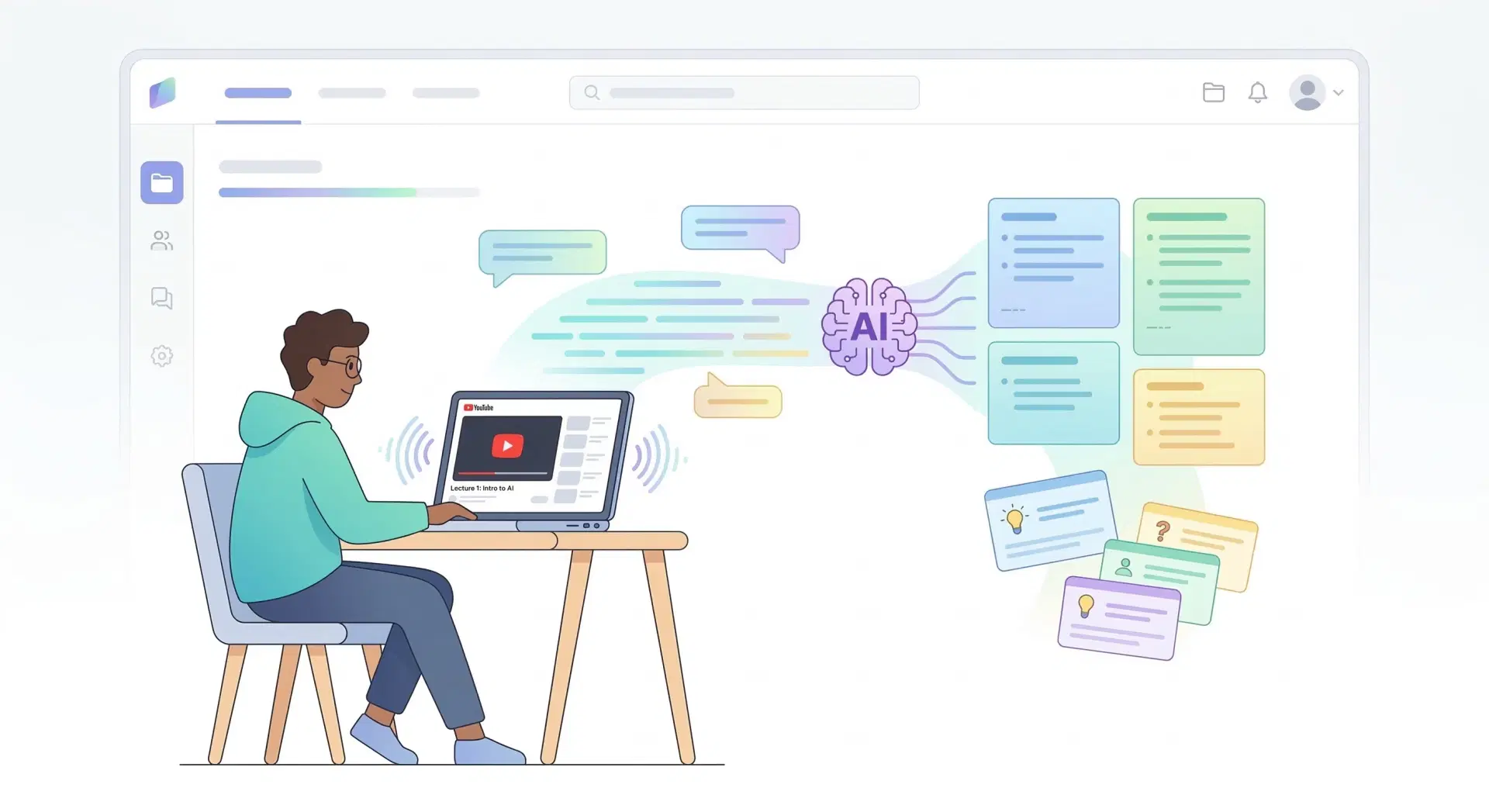
Don't just read transcripts — understand them. Our built-in AI automatically generates concise summaries, bullet-point key takeaways, study notes, and blog post drafts from any YouTube transcript. No need to copy-paste into ChatGPT separately.
Translate YouTube Transcripts to 125+ Languages
Get transcripts in the video's original language or translate to any of 125+ supported languages with one click. Perfect for language learners, international researchers, and multilingual content creators who need YouTube transcripts in their native language.
Download in Multiple Formats — TXT, SRT, VTT, PDF
Unlike YouTube's built-in transcript viewer which offers no download option, our tool lets you export transcripts in every format you need. Download as TXT for notes, SRT or VTT for subtitles, or PDF for sharing and archiving.
Search, Navigate & Sync with Video
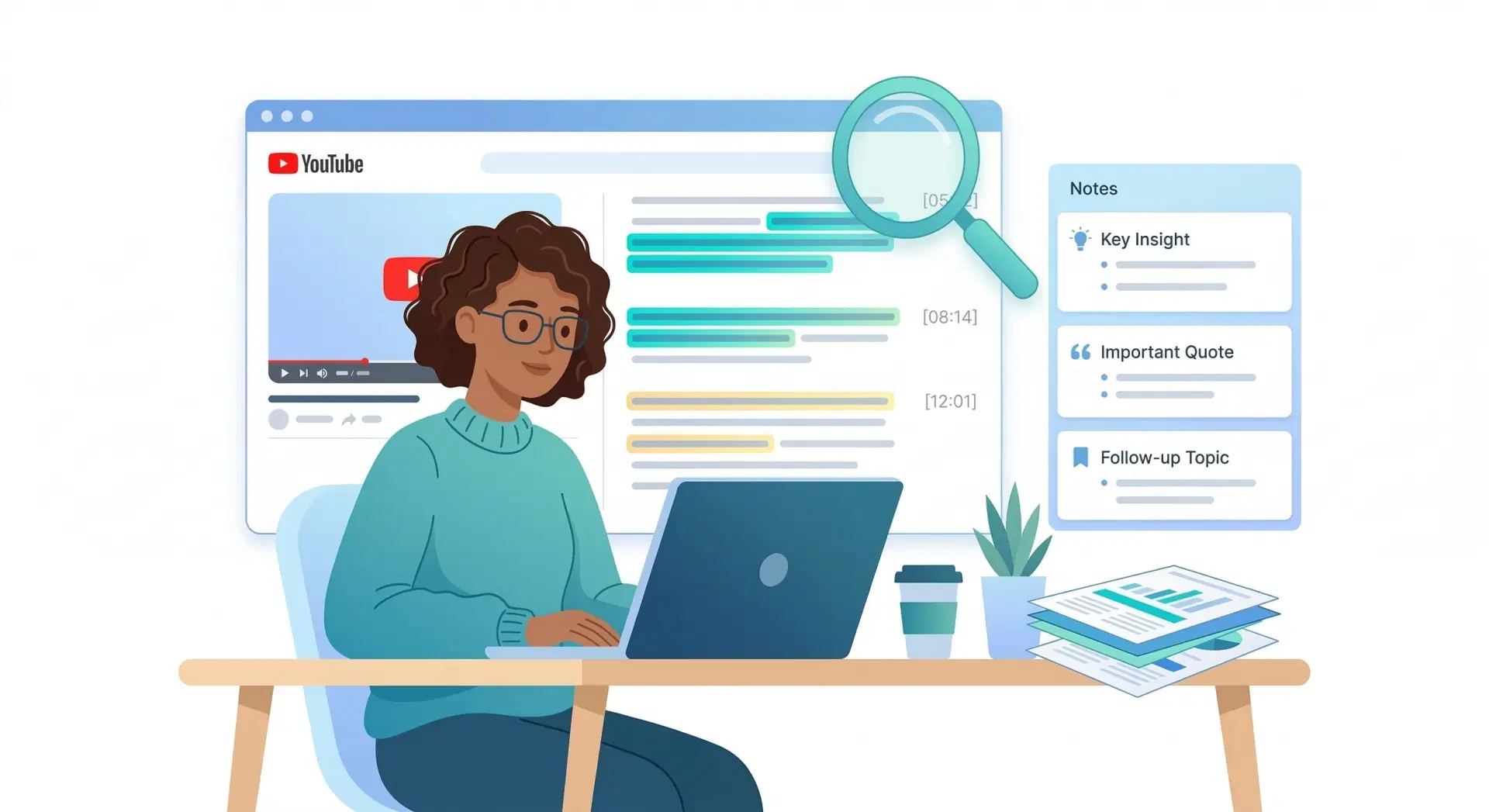
Search inside any transcript to find specific words, phrases, or topics instantly. Click any line in the transcript to jump directly to that moment in the video. No more scrubbing through hours of footage.
Remove Unwanted Sections
Cut out sponsored segments, intros, outros, and any sections you don't need. Clean up your transcript before copying or downloading so you only keep the content that matters.
100% Accurate Extraction
We extract the exact closed captions and auto-generated subtitles from YouTube — including manually added transcripts when available. What you get is the complete, unaltered transcript exactly as YouTube has it.
One-Click Copy
Copy the entire transcript to your clipboard in a single click. No manual text selection, no dragging, no formatting issues. Paste directly into Google Docs, Notion, Word, or any AI tool.
Why You Need YouTube Transcripts
📝 For Students & Learners
Transform educational YouTube videos into study materials. Extract lecture transcripts, create notes with AI, translate foreign language videos, and search for specific topics without rewatching hours of content.
Generate study notes from video lectures automatically
Translate educational content to your native language
Search transcripts to find specific concepts quickly
Create flashcards and summaries with AI assistance
🎬 For Content Creators & Marketers
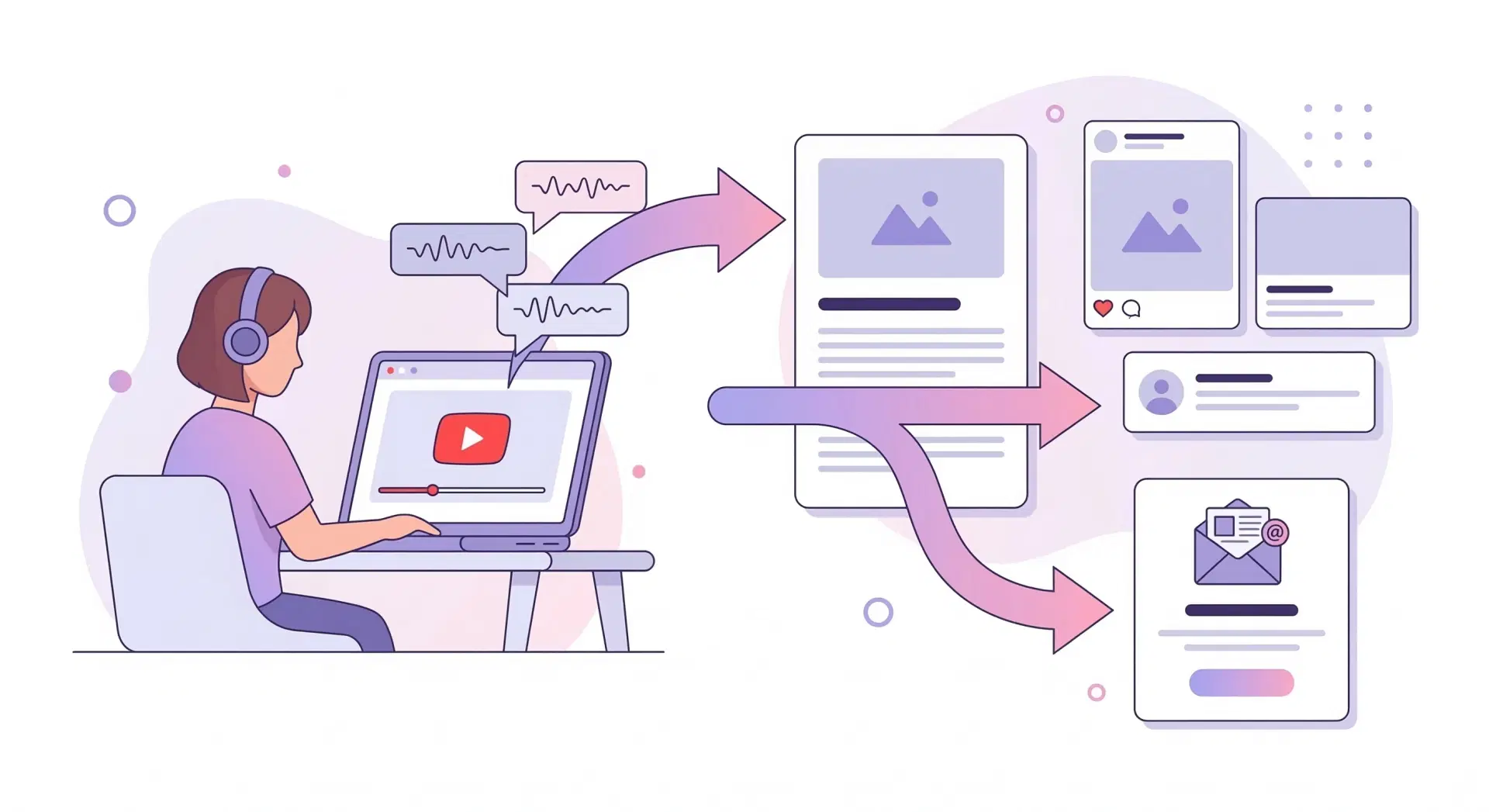
Repurpose your YouTube videos into blog posts, social media content, and email newsletters. Extract transcripts to improve SEO, create video descriptions, and generate content ideas from successful videos.
Turn videos into SEO-optimized blog articles
Create social media posts from video highlights
Generate video descriptions and chapters automatically
Extract quotes and key moments for promotion
🔬 For Researchers & Journalists
Analyze interviews, speeches, and documentary content. Extract verbatim quotes, cite video sources accurately, and search across multiple video transcripts for research data.
Get accurate quotes from interviews and speeches
Cite YouTube sources with precise timestamps
Analyze sentiment and themes across videos
Create searchable archives of video content
How to Get a YouTube Transcript in 3 Simple Steps
Getting a YouTube transcript has never been easier. No account required, no software to install — just paste, generate, and use.
1
Paste the YouTube URL
Copy any YouTube video link and paste it into the input box above. Works with regular videos, YouTube Shorts, live stream recordings, and long-form content of any length.
2
Generate Your Transcript
Click "Generate Transcript" and our AI-powered engine extracts the full transcript in under 5 seconds. Choose from all available transcript languages or translate instantly to any of 125+ languages.
3
Download, Copy, or Use with AI
One-click copy the transcript to your clipboard, download it as TXT, SRT, VTT, or PDF, or feed it directly into our built-in AI tools to generate summaries, notes, blog posts, and more.
NEW FEATURE
YouTube Transcripts + AI = Instant Content Creation
Our built-in AI tools — powered by ChatGPT — turn raw YouTube transcripts into finished content. No separate tools needed. No copy-pasting between apps.
Auto-Generate Summaries
Get a concise, accurate summary of any YouTube video in seconds. Perfect for quickly reviewing long videos before deciding whether to watch in full.
Create Structured Study Notes
Our AI transforms lecture transcripts into organized notes with headings, bullet points, key definitions, and important concepts highlighted.
Extract Key Insights & Quotes
Automatically identify the most important takeaways, memorable quotes, and actionable advice from any video transcript.
Ask Questions About the Video
Chat directly with the video content. Ask questions and get specific answers pulled from the transcript — without rewatching a single second.
Generate Blog Posts & Articles
Turn any YouTube transcript into a fully written, SEO-ready blog post or article. Great for content creators looking to repurpose video content at scale.
Create Social Media Content
Extract the best quotes, moments, and highlights and format them as ready-to-post Twitter threads, LinkedIn posts, and Instagram captions.
Analyze the Hook
Evaluate the video's intro to discover what makes it effective at grabbing attention, and get actionable suggestions for improvement.
Our YouTube Transcript Tool vs YouTube's Built-In Feature
Feature
YouTube Native
Our Tool
Copy full transcript
Manual text selection only
One-click copy
Download transcript
Not available
TXT, SRT, VTT, PDF
Translate transcript
Very limited
125+ languages
AI summaries
Not available
Built-in ChatGPT
Remove timestamps
Manual editing required
Toggle on/off
Search within transcript
Not available
Full-text search
Edit transcript
Not possible
Inline editing
Remove sponsor segments
Not possible
Available
Export as SRT/VTT subtitle file
Not available
Available
Works on YouTube Shorts
Limited
Full support
Trusted by Students, Creators & Professionals Worldwide
2.5M+
Transcripts Generated
125+
Languages Supported
4.8
User Rating
150K+
Active Users
"Saved me hours creating study notes from lecture videos. The AI summary feature is incredible!"
Sarah M.
Medical Student
"I turn my YouTube videos into blog posts in minutes. This tool 10x'd my content output."
James L.
Content Creator
Simple Pricing. No Surprises.
Start free. Upgrade when you need more.
Voxtly gives you real value before asking for anything.
No credit card required to get started. Cancel anytime.
No credit card to start
Cancel anytime
Instant access
125+ languages
Used by students & creators
Free
$0Forever
Everything you need to get started
* No credit card required
What's included:
Unlimited transcripts
50 AI credits/month — 1 credit per AI action
TXT, SRT, VTT export
Translation (125+ languages)
Saved library (last 30 days)
With ads
Unlimited AI credits
Ad-free experience
Library saved forever
Priority support
Early access to new tools
Coming Soon
Pro
$4/month · $39/year
For creators, students and power users
* Be first to get founding member discount
Everything in Free, plus:
Everything in Free
Unlimited AI credits — no limits
Ad-free experience
Saved library forever
Priority support
Early access to new AI features
Access Tiers
Simple. Honest. Transparent.
Feature
No Login
Free (Login)
Pro ⭐
Get Transcript
Copy Transcript
TXT Export
SRT / VTT Export
Translation
Limited
Unlimited
AI Features
150 credits/mo
Unlimited
Saved Library
30 Days
Forever
Ad-Free
Priority Support
New AI Tools Early Access
Trusted by students, creators, and developers worldwide.
"I use Voxtly every single day for my YouTube channel. It turns my videos into blog posts in minutes. Pro pays for itself 10x over."
Content Creator
85K subscribers
"As a student, the free plan is more than enough. I paste the transcript into ChatGPT and have study notes in 30 seconds. Genuinely changed how I learn."
University Student
India
"Switched from a competitor that charged $20/month. Voxtly Pro at $4 does everything I need — and the translation feature is something the others don't have."
Researcher
Media industry
Still not sure? Start free — no card needed.
Try Voxtly with 50 free AI credits per month. Join our $4 Pro waitlist for early access.
* Join thousands of students, creators, and developers already using Voxtly.
Frequently Asked Questions
What is Voxtly?
Voxtly is a free online tool that extracts the full transcript from any YouTube video instantly. Paste a URL, get the text — copy it, download it as SRT/VTT/TXT, or use AI tools to summarize, create notes, and more.
How do I use Voxtly?
Paste any YouTube video URL into the search bar and click "Get Transcript." Your transcript appears in seconds. Log in free to unlock exports, translation, and 50 AI credits every month.
Is this YouTube transcript tool free?
Yes, Voxtly allows you to generate and download YouTube transcripts for free. Advanced AI features are available with a free trial, then optional premium plans.
What counts as one AI credit?
1 AI credit = 1 use of any AI tool (Summarize, Blog Post, Keywords, Chapters, etc.). Free users get 50 credits every month for free.
Can I use Voxtly without an account?
Yes, you can get transcripts and copy them without logging in. To export files, use AI tools, or save your history, you'll need to create a free account.
Can I download YouTube transcripts?
Absolutely. Download transcripts in multiple formats: plain text (TXT), SubRip (SRT), WebVTT (VTT), JSON, or formatted PDF. All downloads include optional timestamps.
Does this work with YouTube Shorts?
Yes. Voxtly works with YouTube Shorts, regular videos, and recorded live streams.
How accurate are the YouTube transcripts?
We extract the exact transcripts provided by YouTube (auto-generated or manually uploaded). Accuracy depends on YouTube's speech recognition and whether the creator uploaded captions. Manual captions are 95-100% accurate.
Can I translate YouTube transcripts to other languages?
Yes! Translate any YouTube transcript to 125+ languages including Spanish, French, German, Chinese, Japanese, Arabic, Hindi, and more. Translations are powered by advanced AI for accuracy.
How do I use YouTube transcripts with ChatGPT?
Our tool has built-in ChatGPT integration! After generating a transcript, use our AI features to create summaries, notes, or blog posts. You can also copy the transcript and paste it directly into ChatGPT.
What if a YouTube video doesn't have captions?
If a video has no auto-generated or manual captions, we cannot extract a transcript (as none exists). However, 90%+ of YouTube videos have auto-generated captions available.
How does the waitlist work?
We are currently in early access. Join the waitlist to be first in line when Pro features (unlimited AI, ad-free) launch. We'll email you with a special founding member discount!